Product · SimThink OS
From planning to performance review
in one system
SimThink OS joins people, AI agents and software into one work process. It runs that process from planning to performance review.
Approval criteria are set during planning. Evidence is recorded during execution. Evaluation decides whether the work passes or is sent back.
This order stays the same in every domain. What changes is the task definition and the judging criteria.
- One order
- Plan, execute, approve and evaluate, in the same order every time
- Each check
- Every required check must pass. A high score elsewhere cannot make up for a failure.
- By level
- Data is opened by level, with a record of every access
- Step by step
- Real data and field use open only after people approve
Page content as of August 30, 2026 · Provided and run by MSSJ · Case figures come from the operating records of each course
What it does
Each finished cycle leaves the evidence for the next plan.
01
Plan
First decide what to do, how far to go, and who approves the result.
Records kept: Goals · Approval criteria · Data level
02
Execute
Carry out the defined work steps. An operations agent writes summaries and drafts.
Records kept: Work record · Evidence
03
Approve
A person approves. Each request states its purpose, data level and time period.
Records kept: Who · When · What · Why
04
Evaluate
The result is judged against criteria set in advance. It passes or it is sent back.
Records kept: Decision record · Performance measures
People approve and sign. The operations agent reads, organizes and makes suggestions.
Why it is needed
Projects stop at the same points again and again.
01
Work stops at the line of responsibility
Seeing what is possible and taking responsibility for it are two different jobs. If no one decides who approves and what gets recorded, work stops at that line.
02
Approvals are scattered
Requests are spread across email and messenger apps. The reasons for decisions stay only in meeting notes.
03
Results are only claims
People say the work was done, but there is no record that shows what changed.
Structure
People, agents and records work in separate layers.
Layer 1
Human decisions
People decide the scope, the investment, which data to open, and when to move to the next stage.
Layer 2
Operations agent
One point of contact that knows the same rules. It writes summaries and drafts, checks rules, and answers questions.
Layer 3
Domain execution layer
This is the only layer that changes from domain to domain. The work steps and judging criteria sit here.
Layer 4
Record layer
The approval queue, evidence records, data levels and audit trail are added here and kept.
We do not build a setup that depends on people remembering the rules. Only people approve and sign. Only the domain execution layer changes by domain. The other layers stay the same.
Gates
The non-compensatory gate and the promotion gate stop different things.
A gate is a check that work must pass before it moves on. Promotion means moving work to the next stage, with more access to real data and the field.
Non-compensatory gate
If any one check fails, the work is reviewed again. A high score on another check cannot make up for it.
Promotion gate
Work starts with documents and synthetic data. Real data and field use open only after safety checks and human approval.
Data levels
Data is handled by level. Every access is recorded, from the request to the disposal.
Moving to the next stage is a question of responsibility and approval.
Domains
Change the domain, and the rest of the system keeps running.
What stays the same: the OS
- ·Approval queue
- ·Evidence records
- ·Data levels
- ·Audit trail
- ·Non-compensatory gate
- ·Promotion gate
Education operations
Curriculum · Practice · Skill assessment
Proven case
Manufacturing operations
Process · Quality · Equipment data
Can be applied
Public project management
Stage checks · Approvals · Reports
Can be applied
Research and development
Projects · Experiments · Evidence
Can be applied
Your domain
Set up together with your organization
Can be applied
We list what is proven apart from what can be applied. Today, education operations is the only domain with measured records. Change the task definitions and judging criteria, and the same system runs.
Case · Education operations
We ran the education domain at three institutions and measured the results.
In summer 2026, in Yeongyang County, North Gyeongsang Province, we ran three programs: IT training for public officials, an AI creative class for children and youth, and a morning class at a disability welfare center. The children’s course ran as 4 sessions over 4 weeks. We wrote a 45-page final report for the agency that ordered the program.
How it ran
One agent for each participant
No accounts are created. Participants enter with a number or a QR code, and their own workspace opens.
Work goes to a shared board
Participants post what they made on the spot and try each other’s work. The instructor sees everyone’s progress on one screen.
Requests and decisions are recorded
The requests participants made, their outputs and the decisions are kept in a log. That record is the basis of the final report.
Measured results
Public officials
2026 IT training for Yeongyang County public officials
July 20–23, 2026 · Yeongyang County Youth Training Center
- 25seats
- one agent per person
- 93%
- average of participants who completed the practice
- 7web apps
- posted by graduates
Children and youth
AI creative class, session 3
August 10, 2026 · Yeongyang-eup Administrative Welfare Center
- 27posted works
- including 20 games
- 218requests
- made by participants
- 36%
- of requests were to make or fix something
Disability welfare center
AI creative class, morning group
August 10, 2026 · Disability Welfare Center, Yeongyang branch
- 32posted works
- on the shared board
- 287requests
- made by participants
- 48%
- of requests were to choose an option or name materials
These values come from the operating records of the three classes. We do not guarantee the same results in other regions or with other groups. Results need to be checked again for each set of conditions.
Screens and classrooms
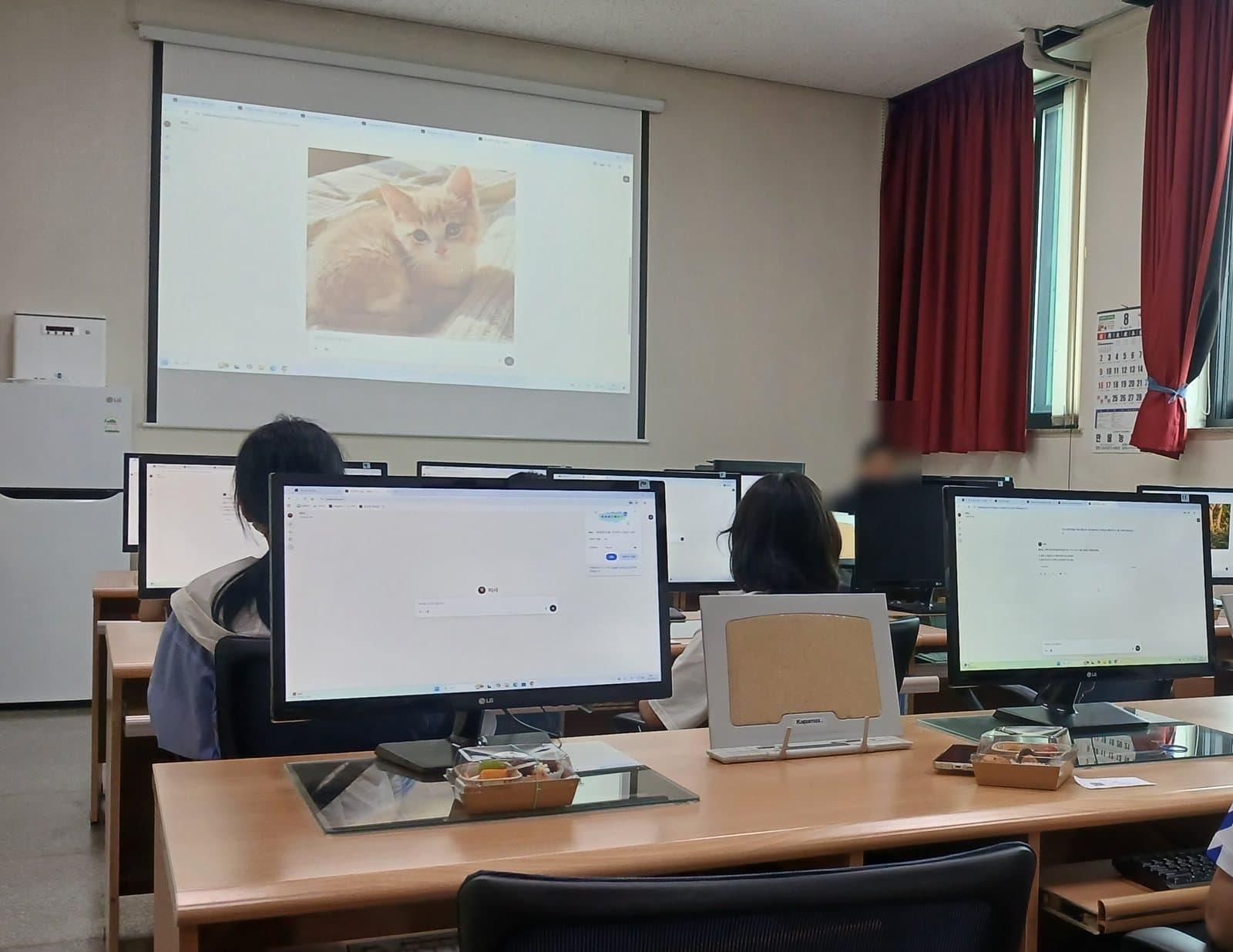


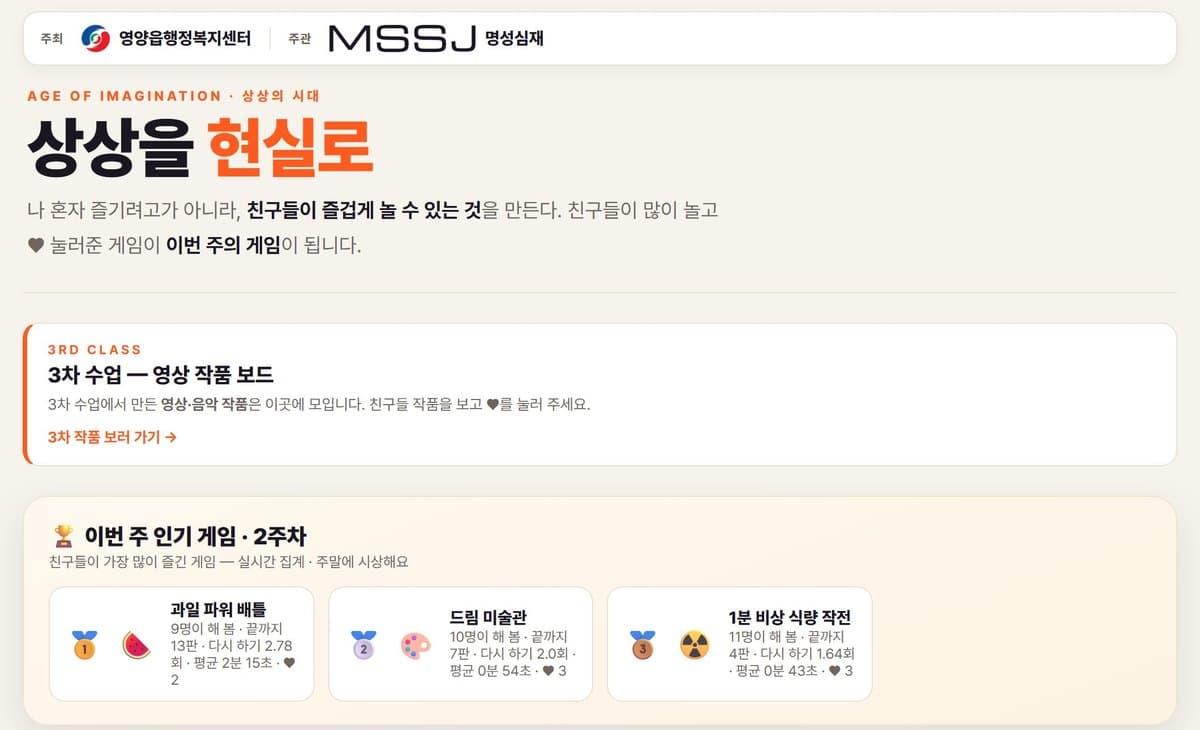
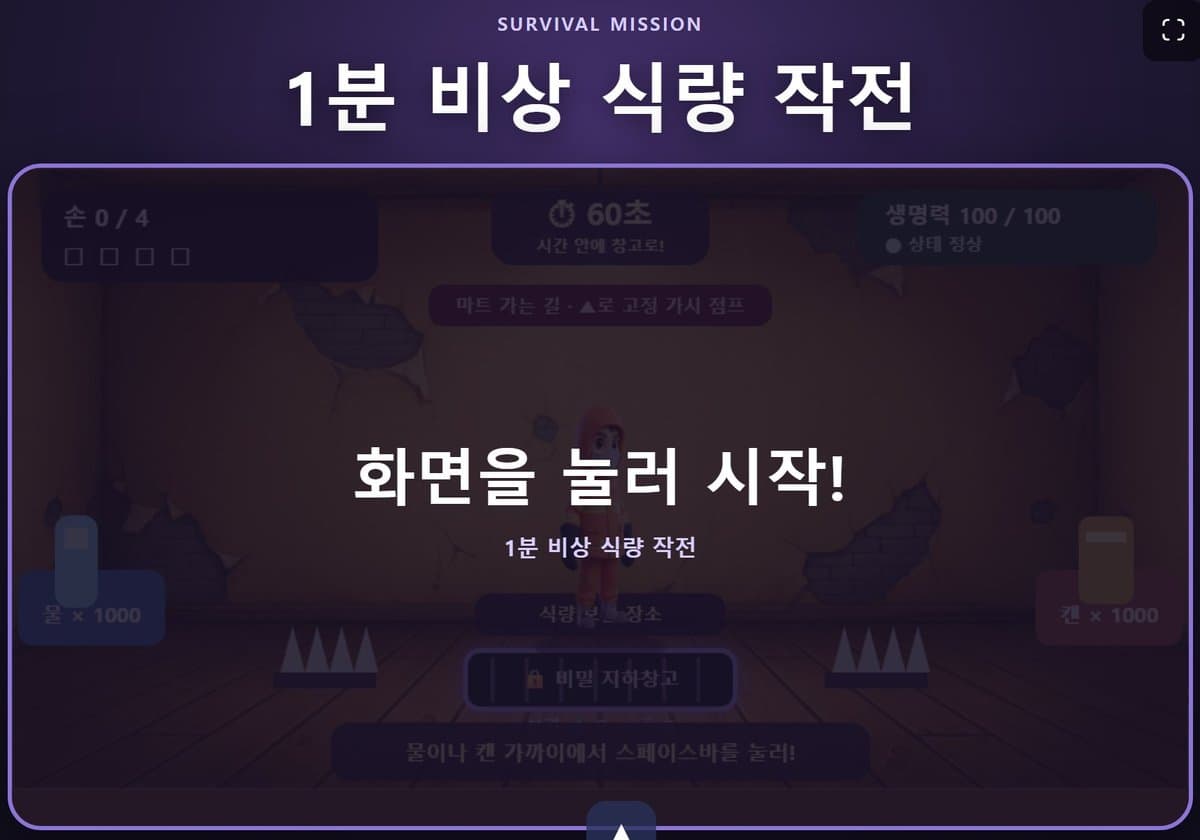
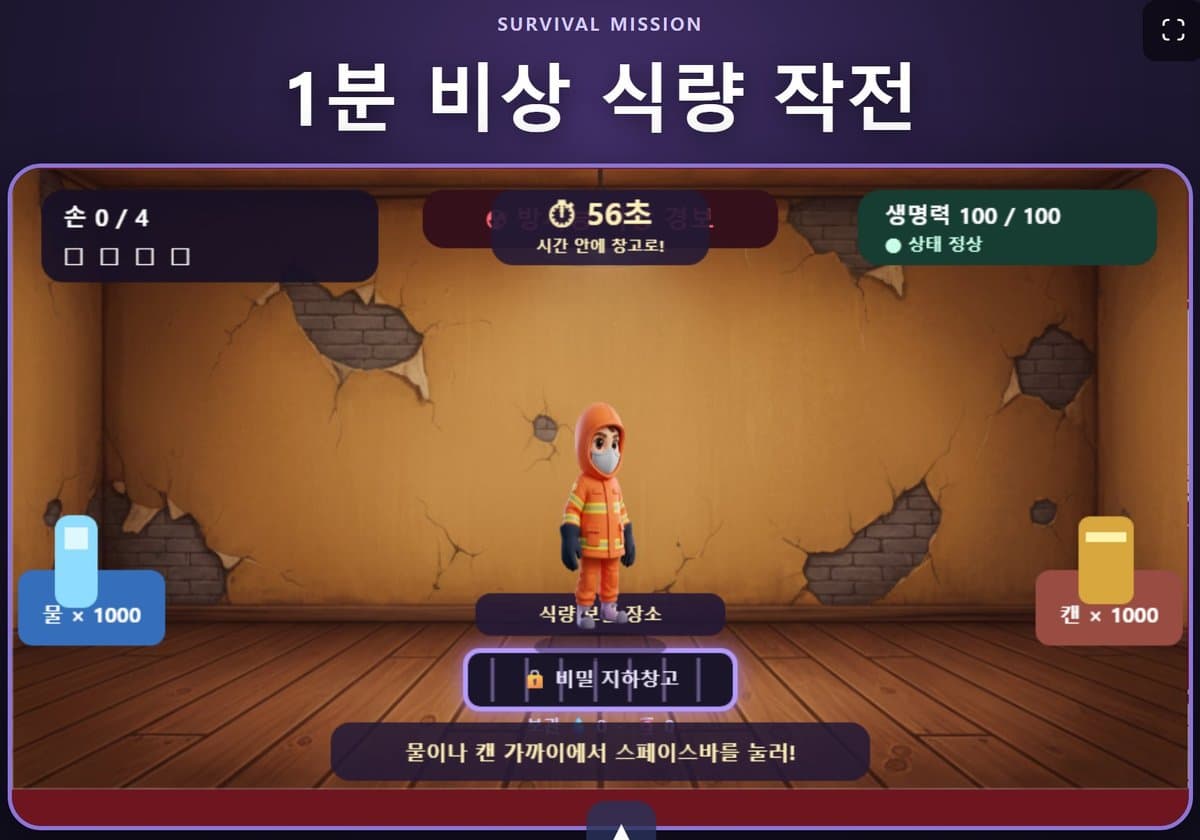

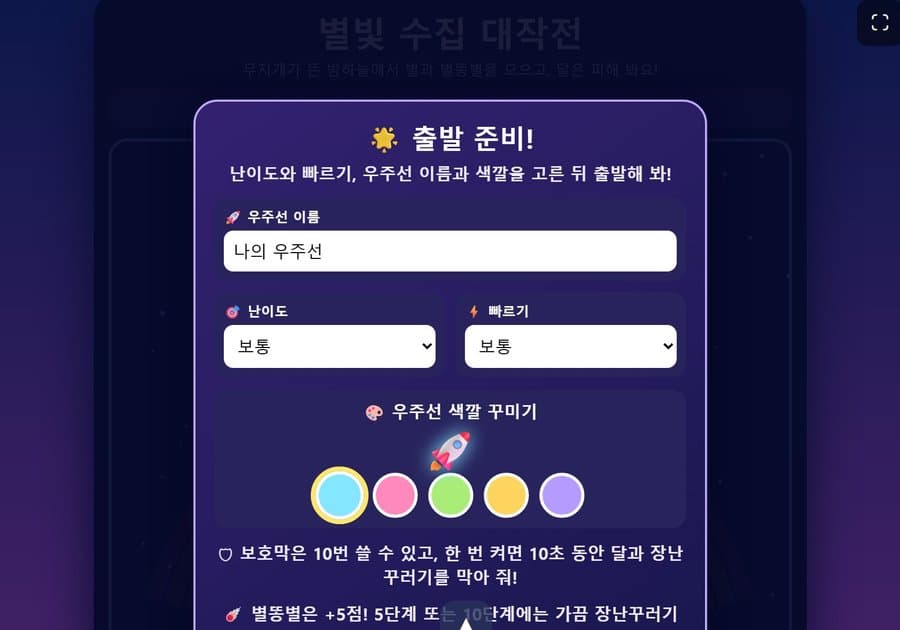
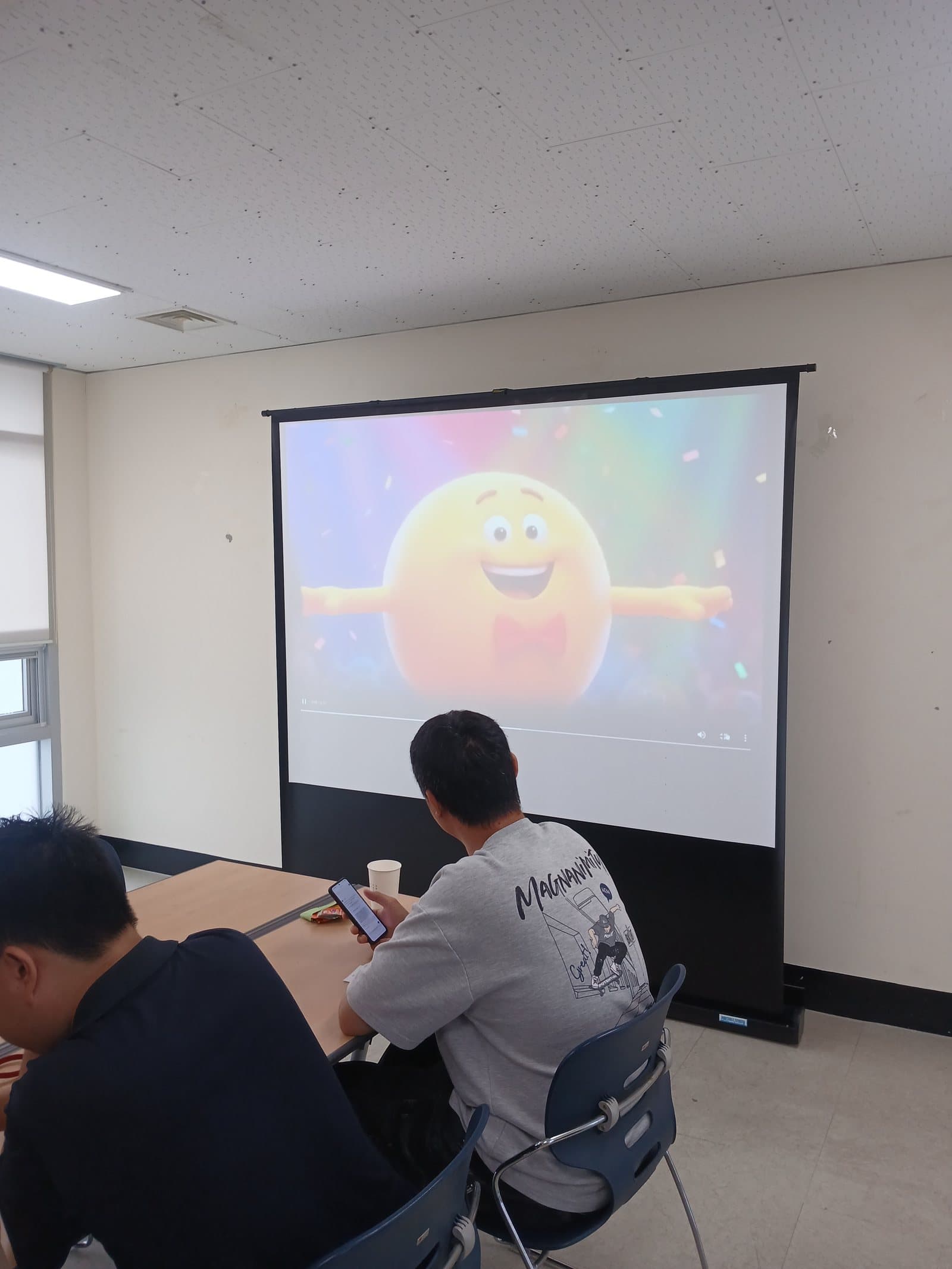
Operating screens, classrooms and posted work. We do not show photos where faces can be seen, or any author details. Account strings on the entry screen are hidden.
The SimThink family
SimThink OS and the products that run inside it
The whole system
SimThink OS
The operating system for a company’s work with AI agents. The products below run inside it.
Execution system
SimThink ES
Hire, deploy, run and track AI agents. You see who did what and whether it passed the check.
Learn moreGovernance
SimThink Abyss
Set the work flow, data levels, approval points and the stop switch. Rules are checked before anything runs.
Learn moreWorkspace
SimThink Build
A separate workspace where agents work for one department of one company.
Learn moreStart with one domain and one task.
We start with the task you want to check and the evidence you want to see. We set the task definition and judging criteria with you, and run the first cycle to the end.
Entering a task does not by itself guarantee a result. The system has to be run for your site conditions and checked again.